
Documentation
Prompts
TL;DR
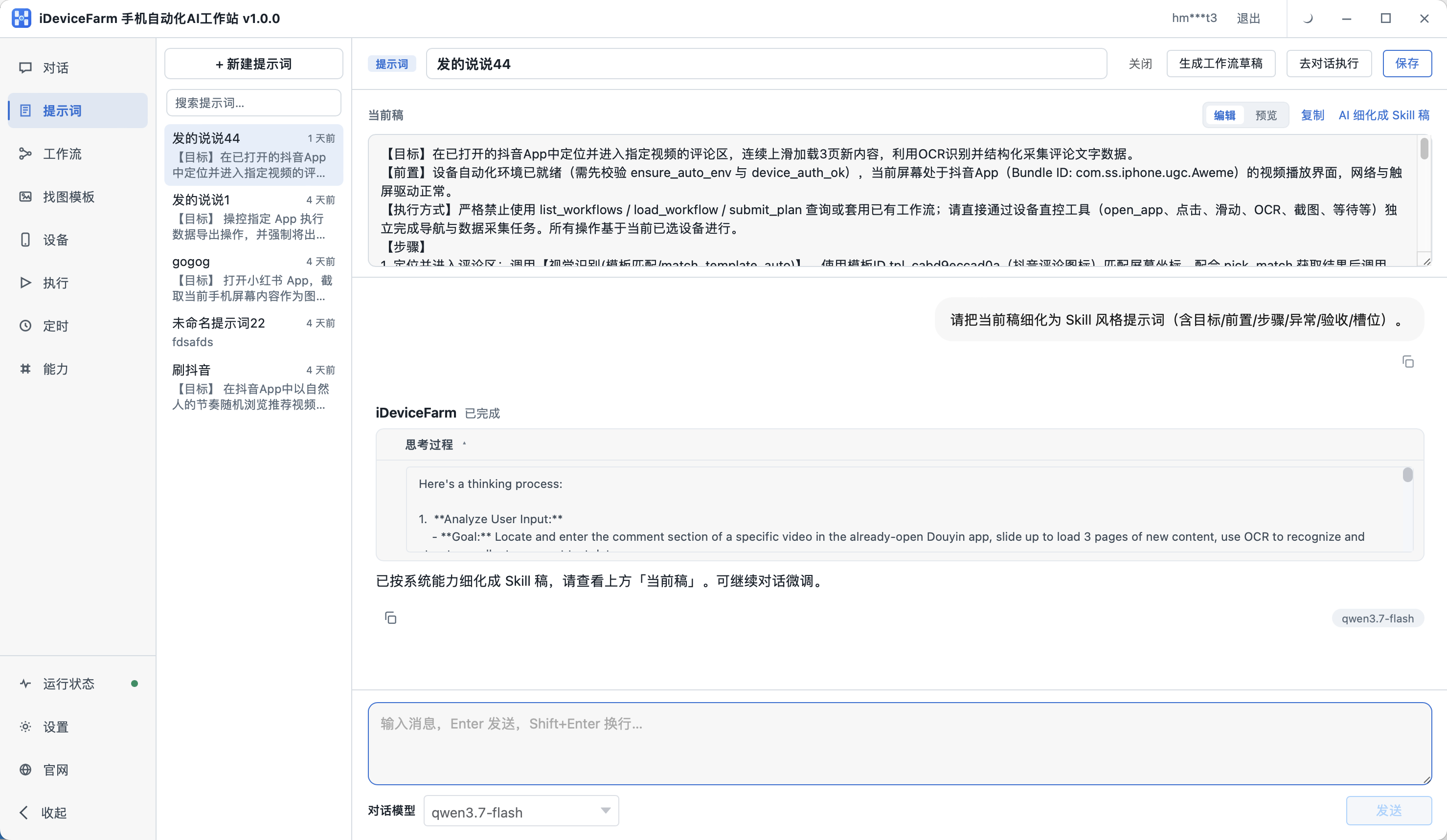
Prompts is for back-and-forth refinement until a task is clear enough to run—best when requirements are still fuzzy.
What prompts are for
Turn “automate X on my phone” into step-level detail:
- Which app
- Order of taps and waits
- Edge cases
Save the result and load it from Chat via the Prompts button.
Basic flow
- Open Prompts
- New or open a prompt session
- Describe goal; answer AI follow-ups
- Save → use in Chat
Prompts vs Chat
| Page | Focus |
|---|---|
| Chat · AI refinement mode | Refine a fuzzy requirement in chat, then execute on device |
| Prompts | Save refined requirements for reuse |
| Chat · Chat mode | Execute directly when the task is already clear |